Price Change
Compare price change across trading pairs and identify instruments where market activity is already visible.
Find active Binance and Bybit trading pairs, compare price movement and volume, and move into chart analysis without checking hundreds of coins one by one.
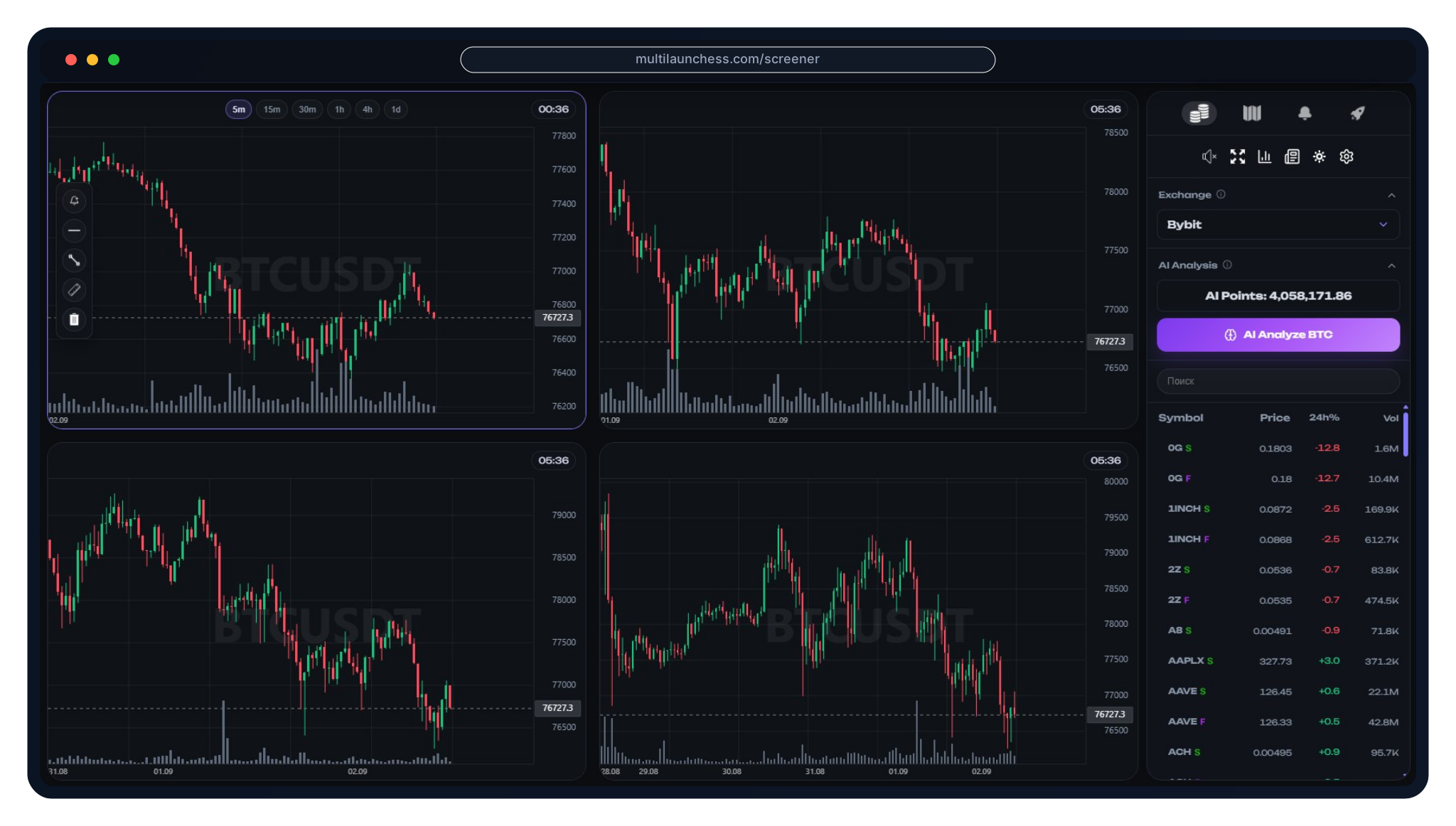
Compare price change across trading pairs and identify instruments where market activity is already visible.
Use available 24-hour trading volume as one part of market-activity context. Volume alone is not a trading signal.

Filter the list by symbol and move directly to the instruments you want to examine.

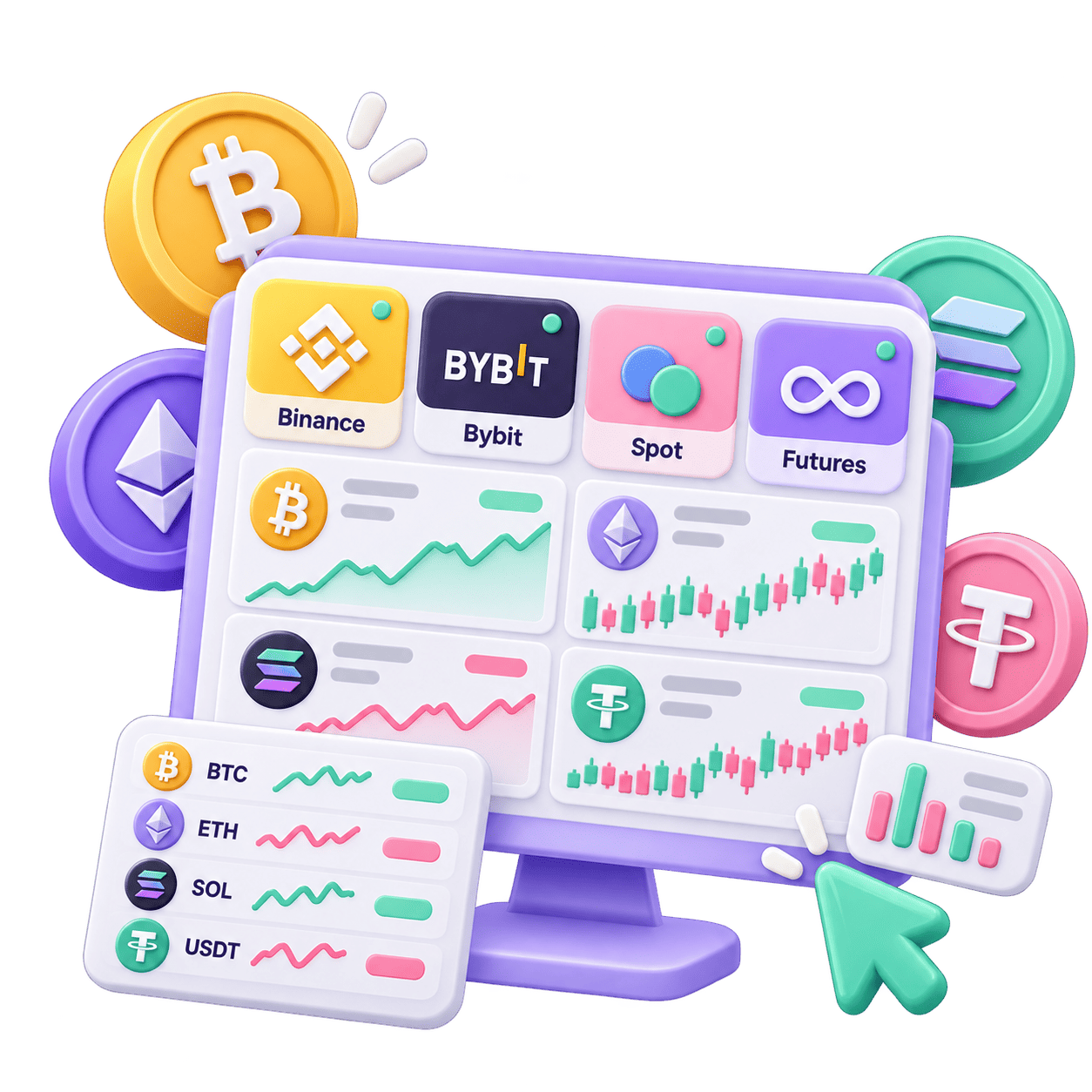
Switch to Binance and review supported trading pairs in the shared Screener workspace.

Use the same filtering and analysis workflow for supported Bybit trading pairs.

Exchange and market-type switching keeps the analysis workflow consistent across different instruments.
Filter spot trading pairs and compare their current market data before deeper analysis.
Switch to futures when your workflow requires those instruments. Futures involve additional risk, especially when leverage is used.

Select the exchange and market type first, then compare instruments within that data set.

Start with the exchange whose instruments you want to analyze.
Build the working list from the market type relevant to your workflow.

Use the quote list for the initial filtering of active trading pairs.

Open the selected instrument and review the chart, levels, and other available context before making your own trading decision.

After initial filtering, review price movement on the chart instead of relying on a single numeric metric.
Use available levels and other analysis tools as additional context rather than guaranteed trading signals.

For additional visible-liquidity analysis, open the dedicated MultiLaunchess liquidity screener.

A separate MultiLaunchess guide covers scalping, active-coin selection, Spot, Futures, and risk context.

A scalping screener helps narrow a large market down to active trading pairs using current market data before deeper analysis.
MultiLaunchess lets you compare trading pairs, price change and volume, then open a selected instrument for chart and market-context analysis.
Yes. The Screener supports trading pairs from Binance and Bybit.
Yes. The quote list supports Spot and Futures markets on the supported exchanges.
Price change, trading volume and current market activity can help with initial filtering before reviewing the chart, levels and other available context.
MultiLaunchess includes free Screener access, while some advanced capabilities depend on the access level.
Open the Screener, choose the exchange and market, compare available pairs, and continue with the instruments that fit your analysis workflow.